
Guides
Guides to buying IPTV
Paying, devices, what turns up after checkout, and how to size up a seller: the ten guides below sort into those four themes. Pick the one that matches the doubt you have right now; each was gone through again on 5 November 2026.

Paying
Guides on paying for IPTV
Card or PayPal, the bank’s approval step and what happens to your money after checkout.
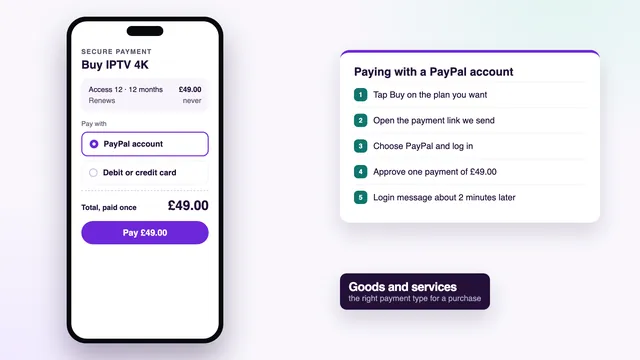
Buying guideBuy IPTV with PayPal
Paying for IPTV through a PayPal account: the steps, what the seller receives, the payment type to pick and refunds.Open the guide →
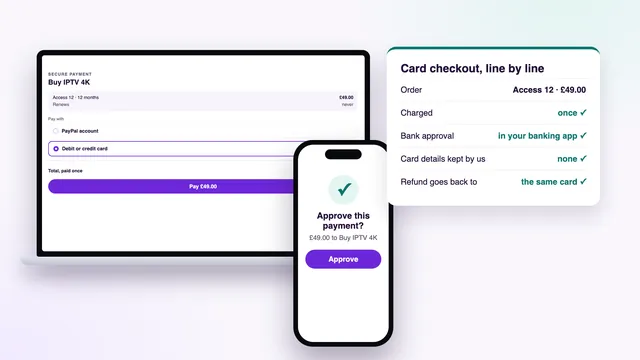
Buying guideBuy IPTV with a credit or debit card
Card checkout for IPTV: the secure payment page, the bank's approval step, the statement line and chargebacks.Open the guide →Devices
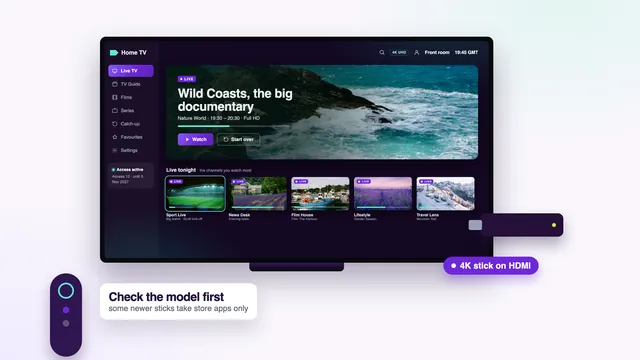
Guides on devices and screens
What a Fire TV stick or a smart TV needs before you pay, and whether a box earns its place under the TV.
Buying guideBuy IPTV for Firestick
What to check on a Fire TV stick before paying: the model, the storage, the player it needs and the login type.Open the guide →
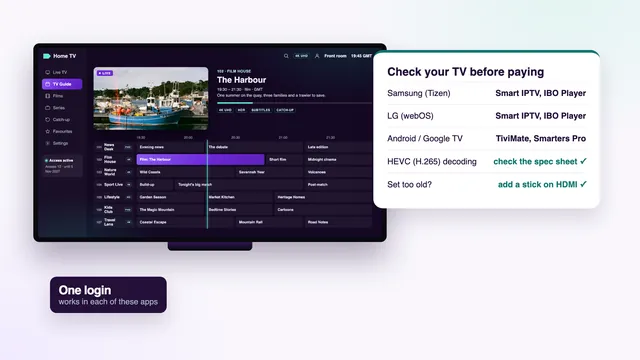
Buying guideBuy IPTV for Smart TV
Samsung, LG, Google TV and other sets: which apps each runs, the TV-side checks and when a stick is the better buy.Open the guide →
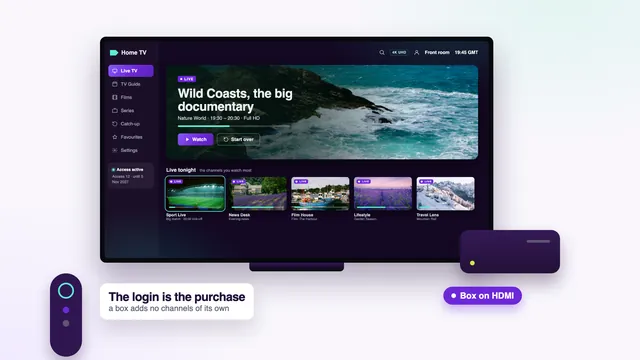
Buying guideBuy an IPTV box or not?
Whether a box is worth buying: what a box does, what your TV or stick already does, and the specs that matter.Open the guide →What you receive
Guides on what arrives after paying
The playlist, the account behind the login and the minutes between payment and message.
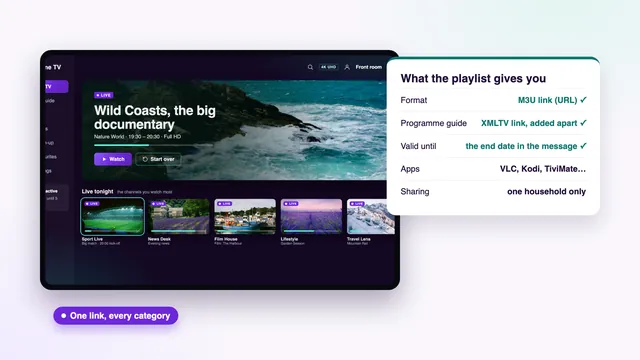
Buying guideBuy an IPTV playlist (M3U)
What an M3U playlist is, what you actually pay for, how it differs from an Xtream login and how to load it.Open the guide →
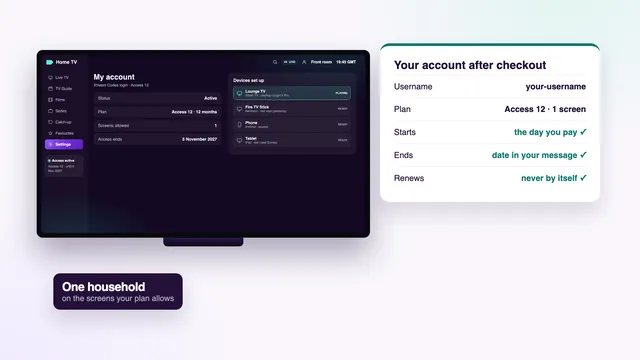
Buying guideBuy an IPTV account
What an IPTV account holds once you have paid: the username, the end date, the screens and the rules that apply.Open the guide →
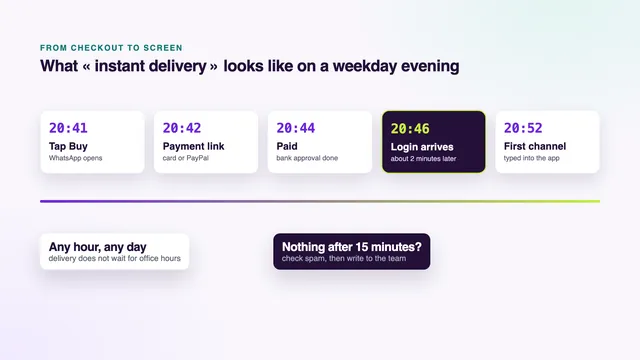
Buying guideBuy IPTV: instant delivery
What « instant » means in minutes, what happens between payment and message, and what to do if nothing comes.Open the guide →Choosing a seller
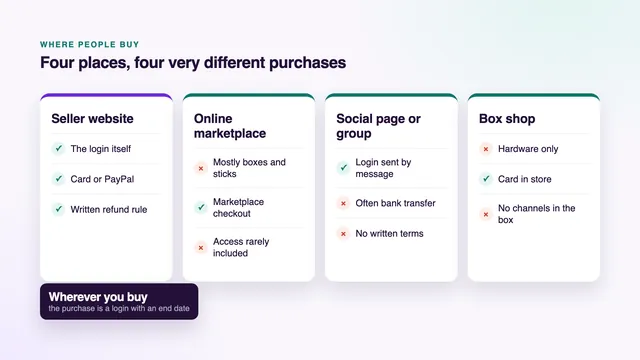
Guides on choosing a seller
Where IPTV is sold and the checks worth making before paying anyone, us included.
Buying guideWhere to buy IPTV
Seller websites, marketplaces, social pages and box shops: what each place sells and what it leaves you to check.Open the guide →
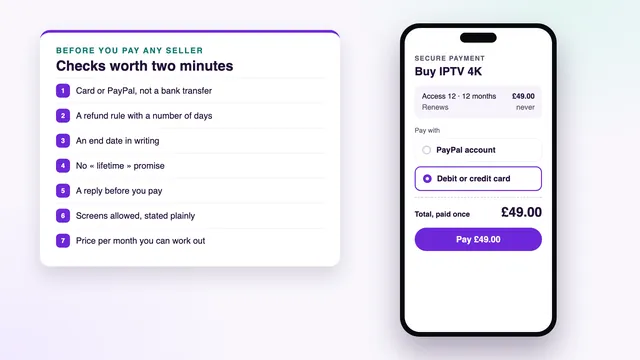
Buying guideBuy IPTV online: checks before paying
Ten checks before paying a seller online: the payment page, the refund rule, the end date and the questions to ask.Open the guide →Where to start
Which guide to read first
New to buying? Begin with the checks before paying online, then open the guide for the screen you will use most. Those two answer the bulk of what people ask us before an order.
Already decided and only wondering about money? The two payment guides cover the bank’s approval step, what your statement shows and what to do if something goes wrong. For the order itself, the step-by-step buying page walks through a real purchase, then the setup.
Screens in these guides are described menu by menu, with the names the devices use, and any figure for a plan is taken from the packages on sale today. Where a guide needs the team, it links to the contact page rather than guessing.
Every guide gives you
- The short answer in a box near the top
- Menus written as they look today
- Prices in pounds, worked out from the plans on sale
- A table you can scan
- A short FAQ at the end
Read up, then order: the login comes about 2 minutes after payment
Find the guide for your screen, then the length that suits your home. You pay a single time, the final day is written down, and 7 days cover you if the login shows nothing on any screen.